How to Contribute Docs
This guide covers everything needed to contribute to the HAMi documentation website - from setting up the local environment to writing, previewing, and submitting changes.
The documentation site is built with Docusaurus 3 and supports English (primary) and Simplified Chinese. English is the source language for all content.
Prerequisites
- Node.js v20 (required - other versions are not supported)
- npm
- Git with a GitHub account
Verify your Node version:
node -v # should print v20.x.x
Setup
Fork the Project-HAMi/website repository on GitHub, then clone your fork:
git clone https://github.com/<your-username>/website.git
cd website
git remote add upstream https://github.com/Project-HAMi/website.git
npm install
Local Development
npm run start          # dev server at http://localhost:3000 with hot-reload
npm run start:network  # same, but accessible on your local network
npm run build:fast     # English-only production build, ~45 seconds (use for validation)
npm run build          # full build including Chinese and all versions, ~80 seconds (mirrors CI)
npm run clear          # clear Docusaurus cache (use when you see stale build errors)
Use npm run start while writing. Use npm run build:fast before opening a PR. CI runs the full npm run build on every PR to master.
Repository Structure
website/
├── docs/                          # English source docs (authoritative)
├── i18n/zh/
│   └── docusaurus-plugin-content-docs/
│       └── current/               # Chinese translations
├── versioned_docs/version-vX.Y.Z/ # archived doc snapshots
├── blog/                          # blog posts
├── sidebars.js                    # navigation structure
├── docusaurus.config.js           # site configuration
└── versions.json                  # available versioned snapshots
Contributors primarily work in docs/ (English source) and i18n/zh/ (Chinese translations).
Adding a New Document
1. Create the file
Place the file in the appropriate subdirectory under docs/:
docs/userguide/nvidia-device/new-feature.md
docs/get-started/new-guide.md
docs/contributor/new-policy.md
2. Add frontmatter
Every document must start with frontmatter:
---
title: Full Page Title
sidebar_label: Short Nav Label
---
title- used as the page<h1>heading and in metadatasidebar_label- shorter version shown in the sidebar; omit if the same astitle
3. Register in sidebars.js
Every new document must be added to sidebars.js to appear in navigation. Find the right category and add the doc ID (path relative to docs/, without .md):
{
  type: "category",
  label: "Get Started",
  items: [
    "get-started/deploy-with-helm",
    "get-started/verify-hami",
    "get-started/your-new-doc"   // add here
  ]
}
If you are unsure which category fits, mention it in the PR and a maintainer will help.
4. Add a Chinese translation (optional)
Mirror the file path under i18n/zh/docusaurus-plugin-content-docs/current/. The structure is identical to docs/. Keep the frontmatter the same; translate only the content.
If the translation is not ready, a placeholder body is acceptable:
---
title: Full Page Title
sidebar_label: Short Nav Label
---

(Translation in progress)
Linking
Internal links - link to other docs using relative paths to the .md file:
[GitHub Workflow](github-workflow.md) [Installation](../get-started/deploy-with-helm.md)
Docusaurus resolves these to correct URLs automatically, including version and locale.
External links - use full URLs:
[Kubernetes](https://kubernetes.io)
Broken links - the full build (npm run build) reports broken internal links. Fix them before opening a PR.
Images
Store images under /static/img/docs/ using language-aware subdirectories:
| Path | Use for |
|---|---|
/static/img/docs/common/ | Images shared across languages |
/static/img/docs/en/ | English-only images |
/static/img/docs/zh/ | Chinese-only images |
Reference images with absolute paths from the site root:
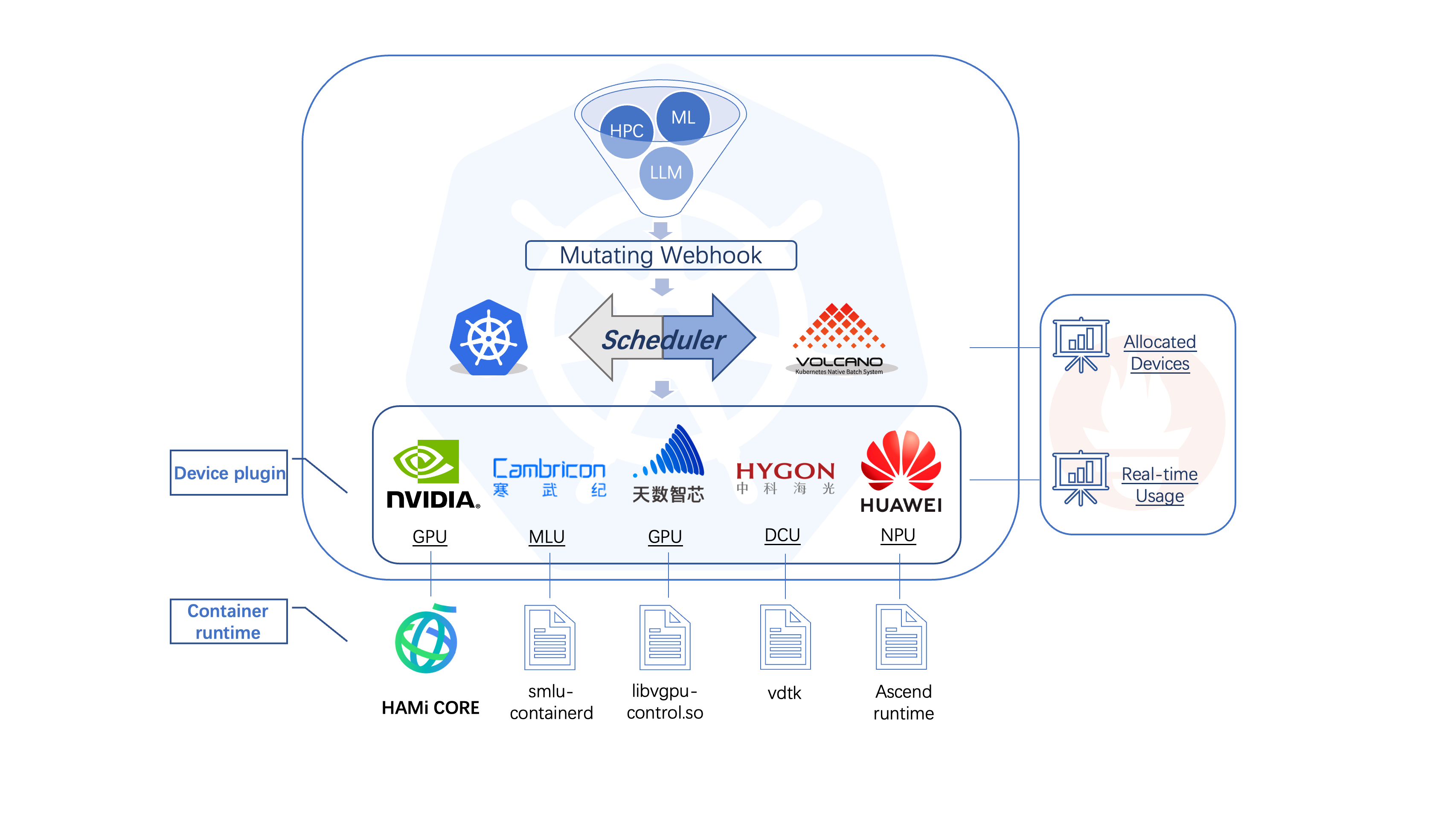 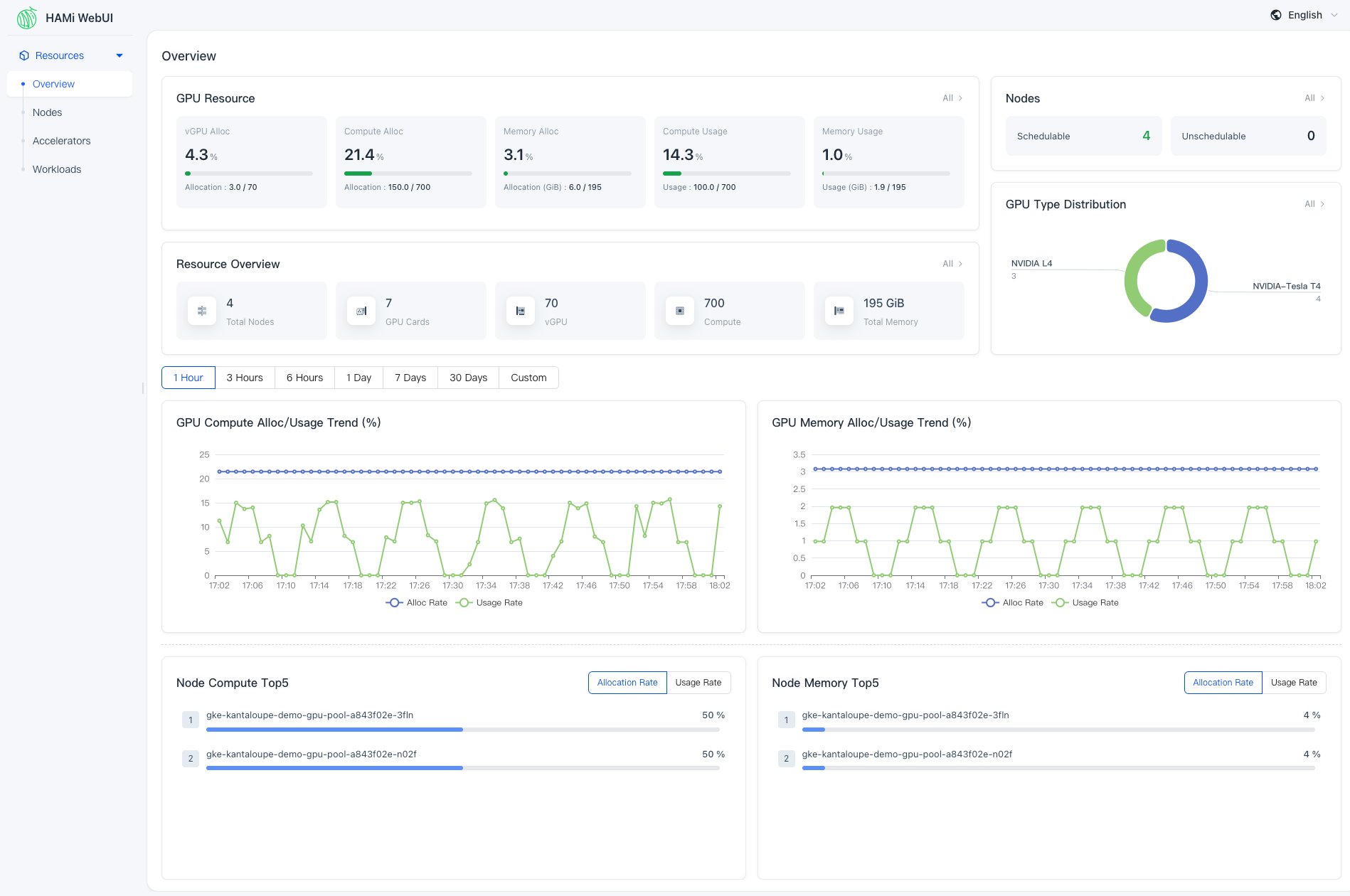
Use descriptive alt text. Do not link to external images - host them in the repository.
Writing Style
The following rules apply to all documentation on this site.
Language and tone:
- Short, direct sentences
- Active voice
- Casual but professional - write like a developer explaining something to another developer
- No filler words: "simply", "just", "Note that", "It's worth noting", "Please note"
- No first-person: avoid "I", "we", "our", "let's"
- Exception: direct quotes or official project announcements where "we" refers to the HAMi project team
Formatting:
- Use
-for unordered lists, never*or• - Use regular hyphens (
-), never em-dashes (—) - Headings: use
##and###hierarchy; do not skip levels - Code: always specify the language in fenced code blocks (
```bash,```yaml,```go) - No emoji in documentation content
Avoid marketing language:
- Do not use: "innovative", "seamless", "robust", "powerful", "cutting-edge", "state-of-the-art"
- Do not use: "streamline", "leverage", "intuitive", "comprehensive"
- Do not use: "In conclusion,", "In summary,", "To summarize,"
Versioning
HAMi docs are versioned alongside each release:
| Location | Version | URL |
|---|---|---|
docs/ | dev / next (unreleased) | /docs/next/* |
versioned_docs/version-v2.9.0/ | v2.9.0 (latest stable) | /docs/* |
versioned_docs/version-v2.8.0/ | v2.8.0 | /docs/v2.8.0/* |
The
docs/directory is the unreleased dev version (served at/docs/next), not the "current/latest stable release". The latest stable release is the first entry inversions.json(currently v2.9.0), served at/docs. Editingdocs/only affects the next release.
Contribute to docs/ for changes that apply to the next release. These are the files most contributors should edit.
Fixes to existing versioned docs are handled by maintainers through cherry-picks. If you find an error in a versioned doc, open an issue or submit a fix to docs/ - a maintainer will backport if needed.
Chinese Translation Workflow
Two cases apply:
Translating an existing English doc:
- Find the corresponding file path under
i18n/zh/docusaurus-plugin-content-docs/current/. - The directory structure mirrors
docs/exactly. - Translate the content; keep frontmatter fields identical to the English source.
- To translate a sidebar category label, edit
i18n/zh/docusaurus-plugin-content-docs/current.json.
Adding a Chinese doc without an English version:
This is not recommended. English is the source language. If you want to contribute in Chinese, write the English version first (even a draft), then add the Chinese translation.
Previewing Changes
The dev server shows English only:
npm run start
To preview Chinese translations locally:
npm run start -- --locale zh
To preview both languages, run the full build and serve it:
npm run build
npm run serve
CI and PR Preview
When you open a PR against master, CI runs npm run build (full build). If the build fails, the PR cannot be merged.
PRs also receive a preview deployment link automatically. Click it to see your changes rendered on the live site before requesting review. Use this to verify links, images, and formatting.
Changelog
The changelog is auto-generated from CHANGELOG.md at the repo root by a custom Docusaurus plugin. Do not edit files under changelog/source/ directly - they are overwritten on every build.
To update the changelog, edit CHANGELOG.md directly.
FAQ
The build fails with a broken link error. Run npm run build locally to see the exact file and line. Fix the link and rebuild.
My new page does not appear in the sidebar. Check that the doc ID in sidebars.js matches the file path exactly (relative to docs/, no .md extension).
The dev server shows a cached version of my changes. Stop the server and run npm run clear, then restart.
How do I document a new feature for an upcoming release? Add the documentation to docs/ (not versioned_docs/). It will be snapshotted into versioned_docs/ when the release is cut.
