How to Contribute Docs
This guide covers everything needed to contribute to the HAMi documentation website - from setting up the local environment to writing, previewing, and submitting changes.
The documentation site is built with Docusaurus 3 and supports English (primary) and Simplified Chinese. English is the source language for all content.
Prerequisites
- Node.js v20 (required - other versions are not supported)
- npm
- Git with a GitHub account
Verify your Node version:
node -v # should print v20.x.x
Setup
Fork the Project-HAMi/website repository on GitHub, then clone your fork:
git clone https://github.com/<your-username>/website.git
cd website
git remote add upstream https://github.com/Project-HAMi/website.git
npm install
Local Development
npm run start          # dev server at http://localhost:3000 with hot-reload
npm run start:network  # same, but accessible on your local network
npm run build:fast     # English-only production build, ~45 seconds (use for validation)
npm run build          # full build including Chinese and all versions, ~80 seconds (mirrors CI)
npm run clear          # clear Docusaurus cache (use when you see stale build errors)
Use npm run start while writing. Use npm run build:fast before opening a PR. CI runs the full npm run build on every PR to master.
Repository Structure
website/
├── docs/                          # English source docs (authoritative)
├── i18n/zh/
│   └── docusaurus-plugin-content-docs/
│       └── current/               # Chinese translations
├── versioned_docs/version-vX.Y.Z/ # archived doc snapshots
├── blog/                          # blog posts
├── sidebars.js                    # navigation structure
├── docusaurus.config.js           # site configuration
└── versions.json                  # available versioned snapshots
Contributors primarily work in docs/ (English source) and i18n/zh/ (Chinese translations).
Adding a New Document
1. Create the file
Place the file in the appropriate subdirectory under docs/:
docs/userguide/nvidia-device/new-feature.md
docs/get-started/new-guide.md
docs/contributor/new-policy.md
2. Add frontmatter
Every document must start with frontmatter:
---
title: Full Page Title
sidebar_label: Short Nav Label
---
title- used as the page<h1>heading and in metadatasidebar_label- shorter version shown in the sidebar; omit if the same astitle
3. Register in sidebars.js
Every new document must be added to sidebars.js to appear in navigation. Find the right category and add the doc ID (path relative to docs/, without .md):
{
  type: "category",
  label: "Get Started",
  items: [
    "get-started/deploy-with-helm",
    "get-started/verify-hami",
    "get-started/your-new-doc"   // add here
  ]
}
For a vendor guide, add the page name to the appropriate vendorPages(...) or vendorExamples(...) entry. For a new vendor, add vendorCategory(...) with a unique key to vendors.
If you are unsure which category fits, mention it in the PR and a maintainer will help.
4. Add a Chinese translation (optional)
Mirror the file path under i18n/zh/docusaurus-plugin-content-docs/current/. The structure is identical to docs/. Keep the frontmatter the same; translate only the content.
If the translation is not ready, a placeholder body is acceptable:
---
title: Full Page Title
sidebar_label: Short Nav Label
---

(Translation in progress)
Linking
Internal links - link to other docs using relative paths to the .md file:
[GitHub Workflow](github-workflow.md) [Installation](../get-started/deploy-with-helm.md)
Docusaurus resolves these to correct URLs automatically, including version and locale.
External links - use full URLs:
[Kubernetes](https://kubernetes.io)
Broken links - the full build (npm run build) reports broken internal links. Fix them before opening a PR.
Images
Store images under /static/img/docs/ using language-aware subdirectories:
| Path | Use for |
|---|---|
/static/img/docs/common/ | Images shared across languages |
/static/img/docs/en/ | English-only images |
/static/img/docs/zh/ | Chinese-only images |
Reference images with absolute paths from the site root:
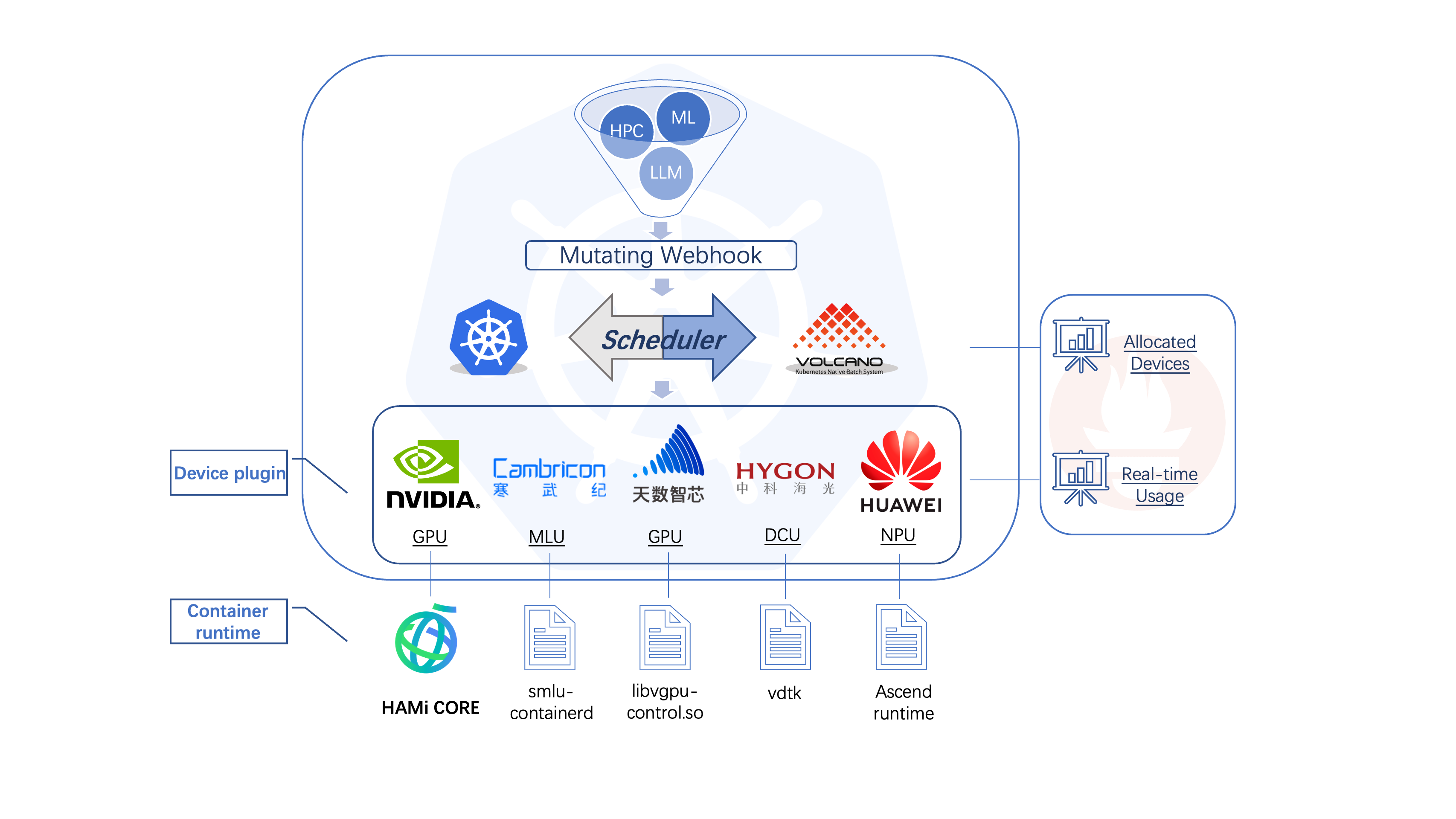 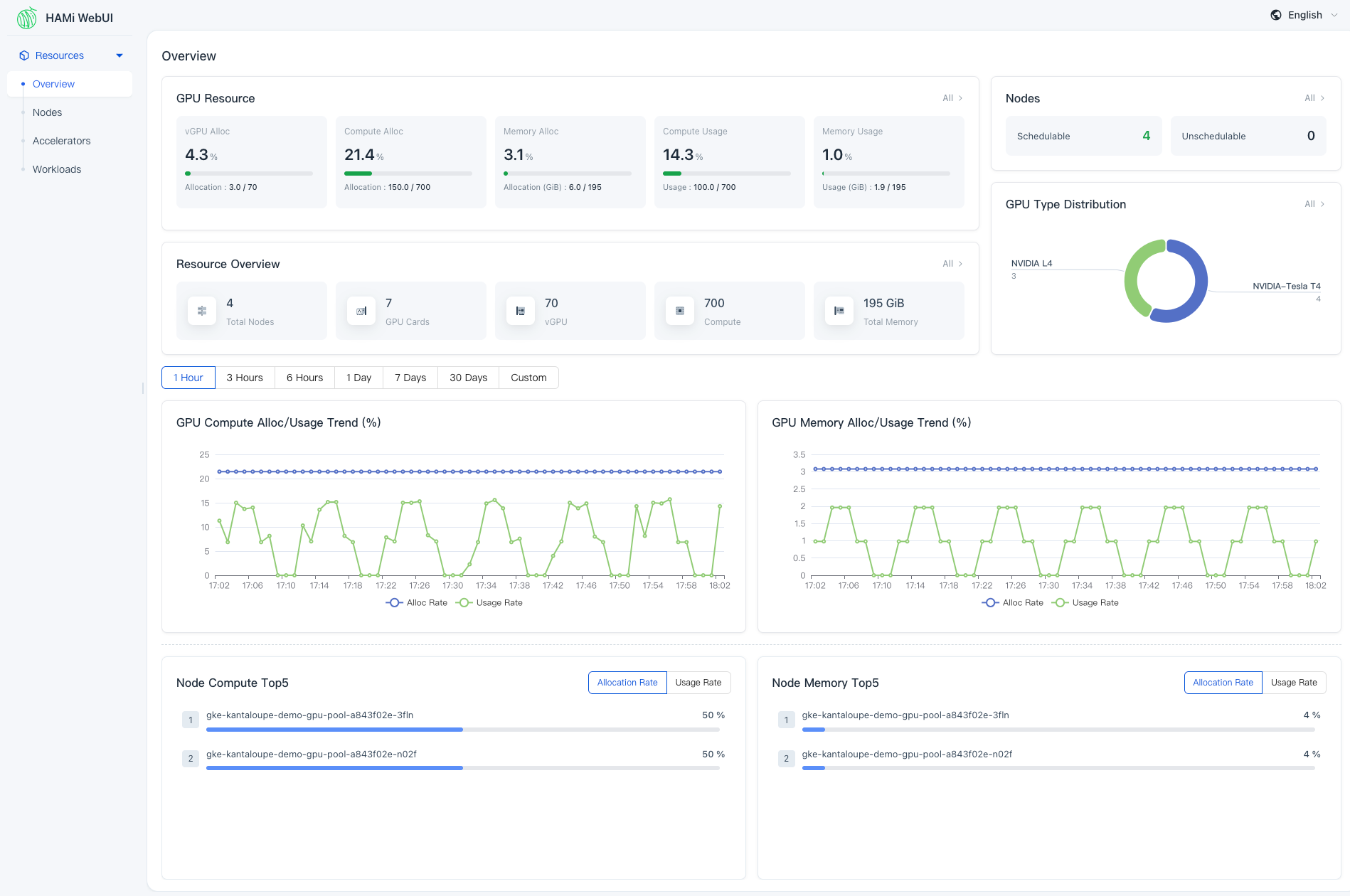
Use descriptive alt text. Do not link to external images - host them in the repository.
Writing Style
These rules apply to every page on this site: docs, tutorials, blog posts and translations. A PR that breaks them is not merged.
Written by a person:
- A person writes every sentence. Do not paste text from an AI tool, and do not fill in an AI-generated outline or template.
- No AI-generated images, diagrams or illustrations. Colors, fonts and diagrams follow the brand guide.
One place for each fact:
- Each piece of information lives on one page only. Other pages link to it instead of repeating it.
- This site is where HAMi is documented. Do not add explanations to READMEs or docs in other repositories. Add them here and link to them.
- Explain each technology on its own, for example HAMi and DRA, or Kai and Volcano. Do not blend two of them into one explanation.
Language and tone:
- Simple words and short, direct sentences
- Active voice
- Casual but professional - write like a developer explaining something to another developer
- No filler words: "simply", "just", "Note that", "It's worth noting", "Please note"
- No first-person: avoid "I", "we", "our", "let's"
- Exception: direct quotes or official project announcements where "we" refers to the HAMi project team
Formatting:
- Use
-for unordered lists, never*or• - Use regular hyphens (
-), never em-dashes (—) - Headings: use
##and###hierarchy; do not skip levels - Code: always specify the language in fenced code blocks (
```bash,```yaml,```go) - No emoji in documentation content
Avoid marketing language:
- Do not use: "innovative", "seamless", "robust", "powerful", "cutting-edge", "state-of-the-art"
- Do not use: "streamline", "leverage", "intuitive", "comprehensive"
- Do not use: "In conclusion,", "In summary,", "To summarize,"
- Do not use: "delve", "dive into", "unleash", "empower", "game-changer", "in today's", "ever-evolving", "whether you're", "look no further", "key takeaways"
How the Rules Are Checked
The Content Rules check runs on every PR. It looks only at the lines the PR adds and skips code blocks:
- The PR description must have the three content declarations from the PR template checked.
- English pages must not use the words listed under "Avoid marketing language", "It's worth noting", "Please note" or em-dashes. No page may contain emoji.
- An English paragraph in
docs/ortutorials/must not already exist on another page. - Chinese pages under
i18n/zh/must use Simplified Chinese, never Traditional characters. - CSS, SVG, JavaScript and mermaid must use only the colors and fonts listed in the brand guide.
- New images must not carry metadata that marks them as AI-generated.
A check cannot prove who wrote a sentence, so reviewers still read every change. If a flagged line is correct, for example a quote, put <!-- content-rules: allow --> on that line or the line above, and say why in the PR. For a longer block, wrap it in <!-- content-rules: off --> and <!-- content-rules: on -->. The check accepts a new exception only after a maintainer adds the content-rules-exception label to the PR.
Run the check locally before pushing:
npm run check:content
Versioning
HAMi docs are versioned alongside each release. In the examples below, X.Y.Z is the latest release and A.B.C is an older release:
| Location | Version | URL |
|---|---|---|
docs/ | dev / next (unreleased) | /docs/next/* |
versioned_docs/version-vX.Y.Z/ | latest stable release | /docs/* |
versioned_docs/version-vA.B.C/ | older release | /docs/vA.B.C/* |
The
docs/directory is the unreleased dev version (served at/docs/next), not the "current/latest stable release". The latest stable release is the first entry inversions.json, served at/docs. Editingdocs/only affects the next release.
Contribute to docs/ for changes that apply to the next release. These are the files most contributors should edit.
Fixes to existing versioned docs are handled by maintainers through cherry-picks. If you find an error in a versioned doc, open an issue or submit a fix to docs/ - a maintainer will backport if needed.
Chinese Translation Workflow
Two cases apply:
Translating an existing English doc:
- Find the corresponding file path under
i18n/zh/docusaurus-plugin-content-docs/current/. - The directory structure mirrors
docs/exactly. - Translate the content; keep frontmatter fields identical to the English source.
- To translate a sidebar category label, edit
i18n/zh/docusaurus-plugin-content-docs/current.json.
Adding a Chinese doc without an English version:
This is not recommended. English is the source language. If you want to contribute in Chinese, write the English version first (even a draft), then add the Chinese translation.
Previewing Changes
The dev server shows English only:
npm run start
To preview Chinese translations locally:
npm run start -- --locale zh
To preview both languages, run the full build and serve it:
npm run build
npm run serve
CI and PR Preview
When you open a PR against master, CI runs npm run build (full build). If the build fails, the PR cannot be merged.
PRs also receive a preview deployment link automatically. Click it to see your changes rendered on the live site before requesting review. Use this to verify links, images, and formatting.
Changelog
The changelog is auto-generated from CHANGELOG.md at the repo root by a custom Docusaurus plugin. Do not edit files under changelog/source/ directly - they are overwritten on every build.
To update the changelog, edit CHANGELOG.md directly.
FAQ
The build fails with a broken link error. Run npm run build locally to see the exact file and line. Fix the link and rebuild.
My new page does not appear in the sidebar. Check that the doc ID in sidebars.js matches the file path exactly (relative to docs/, no .md extension).
The dev server shows a cached version of my changes. Stop the server and run npm run clear, then restart.
How do I document a new feature for an upcoming release? Add the documentation to docs/ (not versioned_docs/). It will be snapshotted into versioned_docs/ when the release is cut.
